
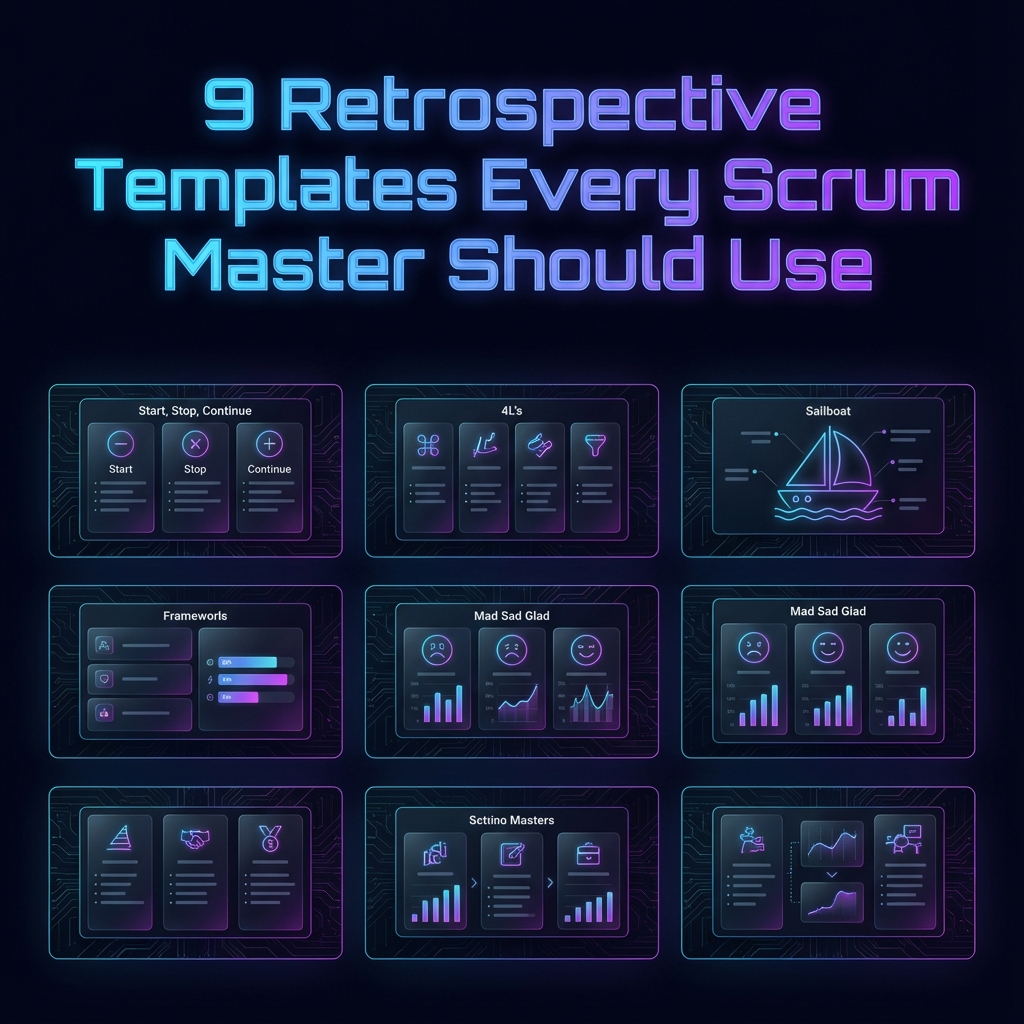
9 Retrospective Templates Every Scrum Master Should Use
A carpenter doesn't use a hammer for every job. Similarly, a Scrum Master shouldn't use the same retrospective template for every sprint.
The "What Went Well / What Didn't Go Well" format is a great starting point, but it can become repetitive. To truly drive continuous improvement, you need a toolkit of templates that can adapt to the team's mood, the project's phase, and the specific challenges at hand.
Here are the 9 essential retrospective templates that every Scrum Master needs in their arsenal for 2026.
1. Start, Stop, Continue
The "Action-Oriented" Classic
This is the bread and butter of retrospectives. It is simple, intuitive, and forces the team to think in terms of behavior change rather than just observations.
The Columns:
- Start: What new activities should we begin? (e.g., "Pair programming on complex tickets")
- Stop: What is wasting our time? (e.g., "Daily standups lasting 30 minutes")
- Continue: What is working well? (e.g., "The new code review checklist")
When to use: When the team feels stuck and needs concrete action items to move forward.
2. The 4 Ls (Liked, Learned, Lacked, Longed For)
The "Deep Dive"
This template adds a layer of depth by asking about learning and desire. It shifts the conversation from "process" to "people and growth".
The Columns:
- Liked: What did you enjoy about the sprint?
- Learned: What new thing did you discover? (Technical or interpersonal)
- Lacked: What was missing that made your job hard?
- Longed For: What do you wish we had for the future?
When to use: At the end of a major project or when you want to focus on team growth and learning.
3. Mad, Sad, Glad
The "Emotional Thermometer"
Engineering is emotional work. Frustration with legacy code, sadness over missed deadlines, and joy from a successful release are all real. This template gives space for those feelings.
The Columns:
- Mad: What made you angry or frustrated?
- Sad: What disappointed you?
- Glad: What made you happy or proud?
When to use: After a high-stress sprint or when you sense tension in the team.
4. The Sailboat
The "Visual Metaphor"
Visualizing the team as a boat helps people think outside the box. It separates "internal" factors (Anchors) from "external" risks (Rocks).
The Columns:
- Wind: What is pushing us forward?
- Anchors: What is dragging us down?
- Rocks: What risks are ahead?
- Island: What is our destination/goal?
When to use: For big-picture planning or when the team is bored of text-based lists.
5. Plus / Delta
The "Quick & Dirty"
Sometimes you don't have an hour. Maybe you only have 30 minutes. The Plus/Delta is the fastest way to get feedback.
The Columns:
- Plus (+): What went well?
- Delta (Δ): What should we change?
When to use: For short sprints, mid-sprint check-ins, or when time is very limited.
6. The Five Whys
The "Root Cause Analyzer"
Technically a technique rather than a full board template, but essential. When a problem is identified (e.g., "The site went down"), ask "Why?" five times to find the root cause.
Example:
- Site went down. Why? -> Database CPU spiked.
- Why? -> A bad query was released.
- Why? -> It wasn't reviewed.
- Why? -> The senior dev was on vacation.
- Why? -> We have a single point of failure in our review process. (Root Cause)
When to use: During a Post-Mortem or when a specific, recurring bug keeps happening.
7. ESVP (Check-in Activity)
The "Engagement Gauge"
Use this at the start of the retro to see who is actually engaged.
- Explorer: Eager to discover new ideas.
- Shopper: Looking for one good idea to take away.
- Vacationer: Just happy to be away from their desk.
- Prisoner: Feels forced to attend.
When to use: If you suspect low morale or disengagement.
8. The Starfish
The "Nuanced Review"
An expansion of Start/Stop/Continue that allows for scaling activities up or down.
The Columns:
- Keep Doing
- Less Of
- More Of
- Stop Doing
- Start Doing
When to use: When the team is mature and wants to fine-tune their velocity.
9. ROTI (Return on Time Invested)
The "Meta-Retro"
At the end of the meeting, ask everyone to rate the meeting from 1-5.
- 1: Waste of time.
- 3: Average.
- 5: Extremely valuable.
When to use: At the end of every retrospective to ensure you (the Scrum Master) are improving too.
Conclusion
Having these 9 templates in your back pocket ensures you're never caught off guard. Whether your team is celebrating a win, recovering from a failure, or just grinding through a long project, there is a template here that fits the moment.
Pro Tip: Clear Retro has pre-built support for most of these templates. You can switch between "Sailboat" and "Mad Sad Glad" in seconds, keeping your team engaged without the setup hassle.